Callwise for Windows
Windows 10 version 2004 or later and an internet connection. Any PC works, no graphics card needed: speech is transcribed by your speech provider, not on the PC. The download is about 120 MB.
Install in three steps
Run install.ps1
Unzip the download and run:
powershell -ExecutionPolicy Bypass -File install.ps1
It installs for your user only; no administrator rights needed.
Start Callwise and sign in
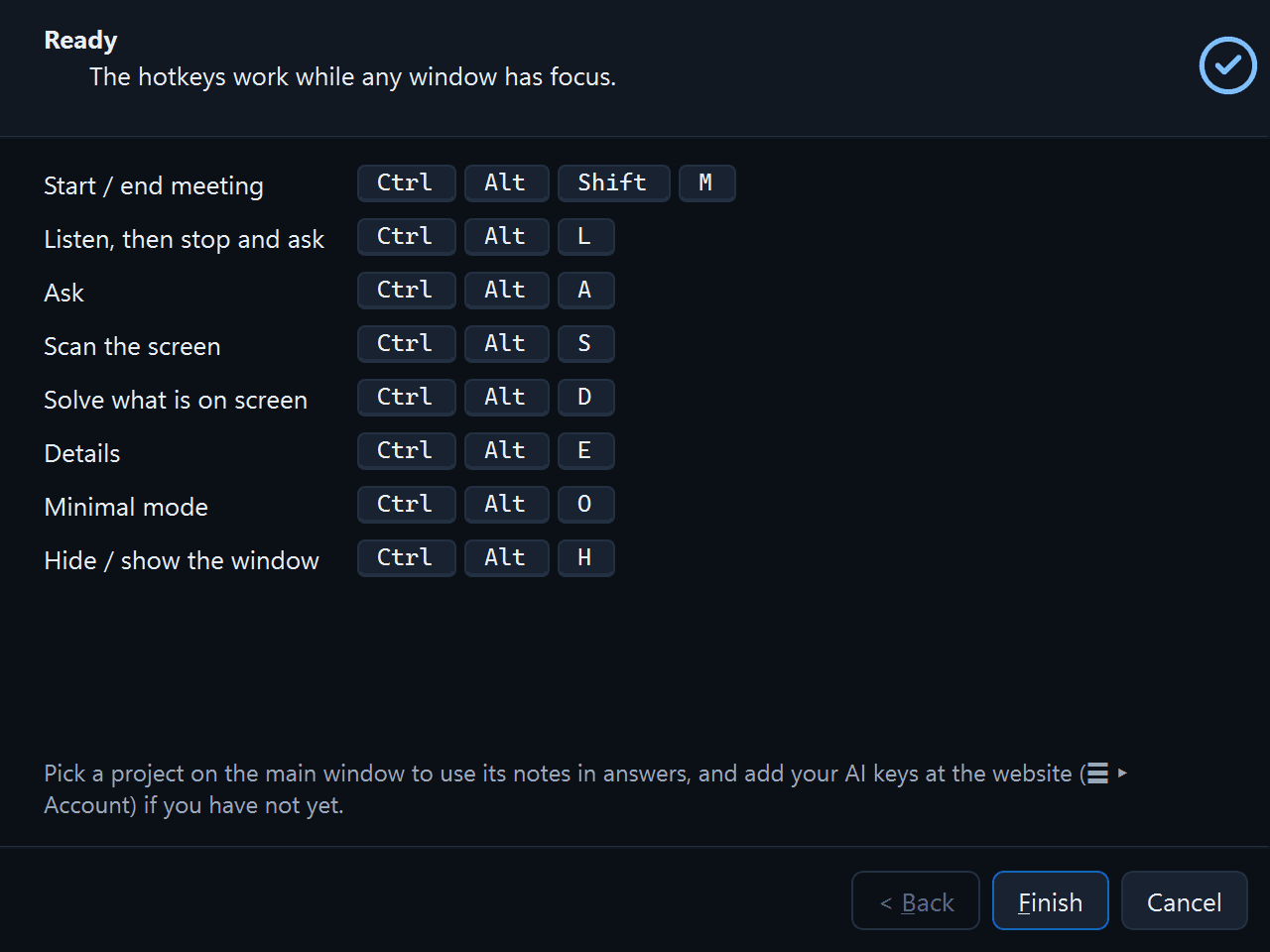
Open it from the Start menu. The setup wizard signs you in with Google, lets you pick your audio devices and a speech model, and shows the recording notice.Add an AI key, then ask
Add at least one provider key under Account › AI keys. The live transcript needs an OpenAI, Google Gemini or OpenRouter key; Anthropic and xAI work for answers only.
In your next meeting, press CtrlAltA to ask.
Callwise setup
Program files go to %LOCALAPPDATA%\Programs\Callwise; your settings, projects, meetings and notes index live in %LOCALAPPDATA%\Callwise and survive updates.
install.ps1 -Uninstall removes the app and keeps your data; add -RemoveData to delete it too.